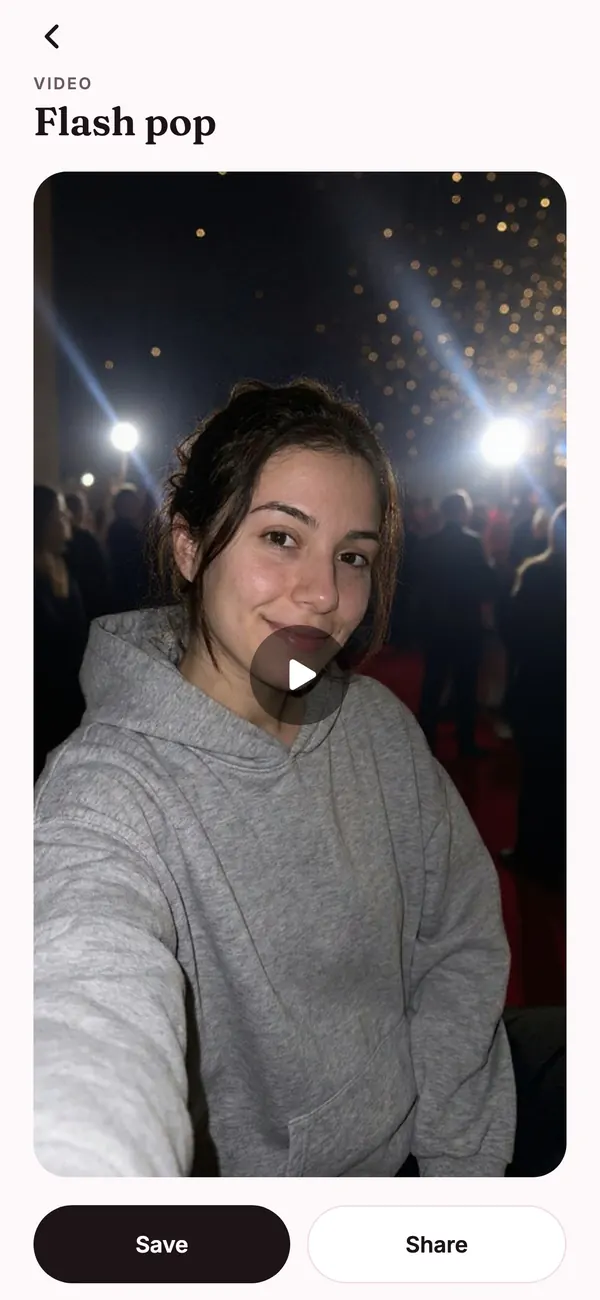
Make it a video
Turn any finished look into a 5 second clip. Pick a motion and Flashette animates your photo, ready to save and share.
 Get the app
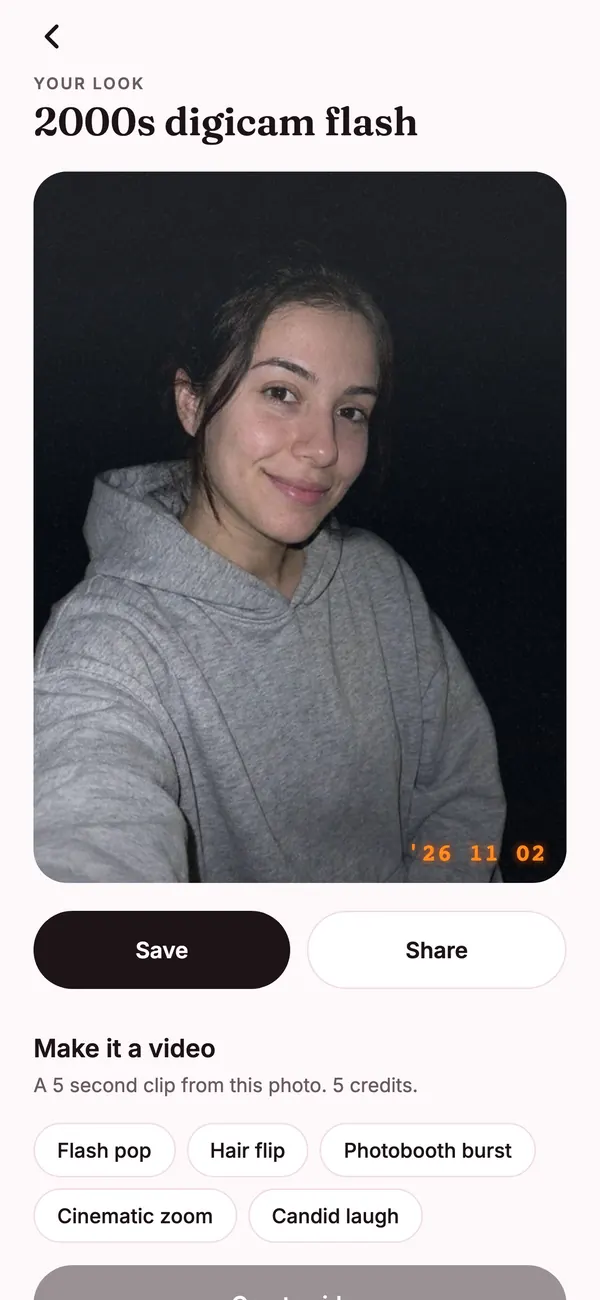
Digicam flash, film, golden hour and photobooth looks that keep you looking like you. Then turn your favorite into a video.
iPhone. No sign up. We never keep your selfie.
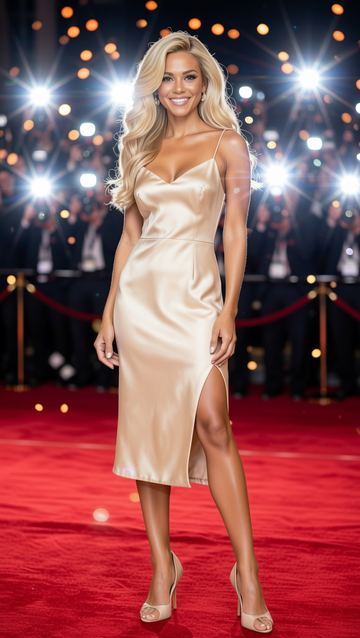

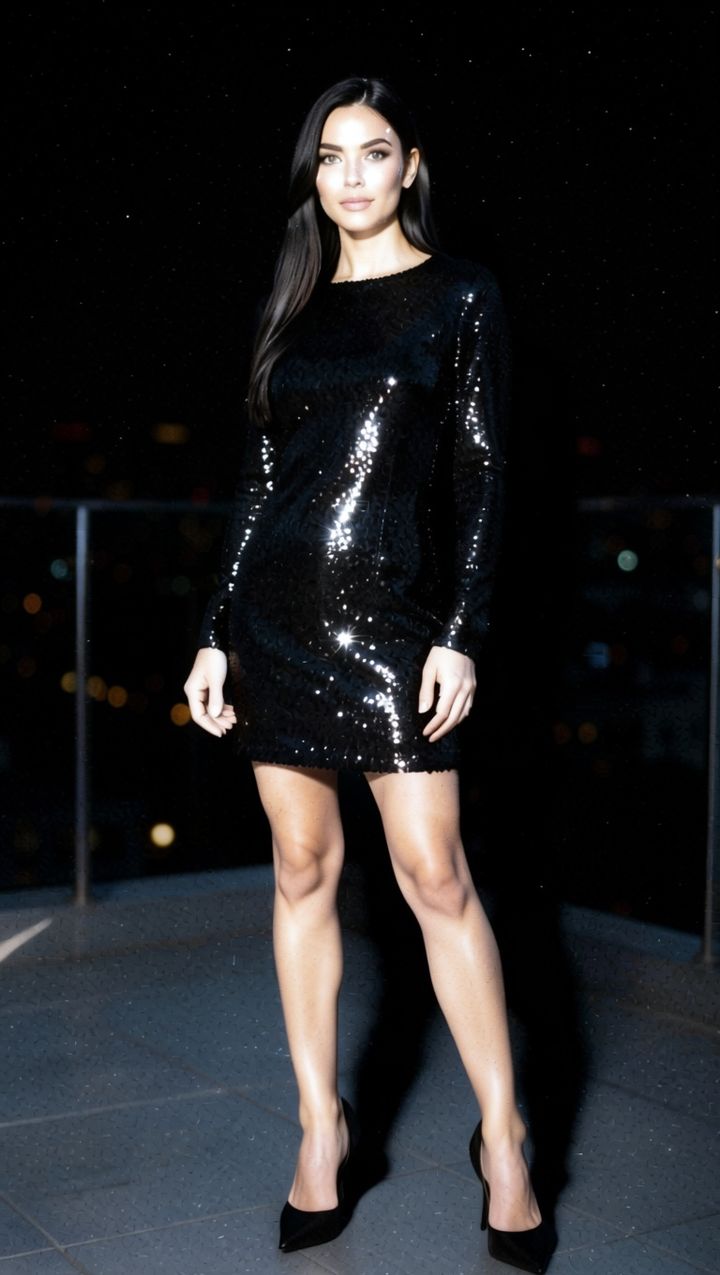
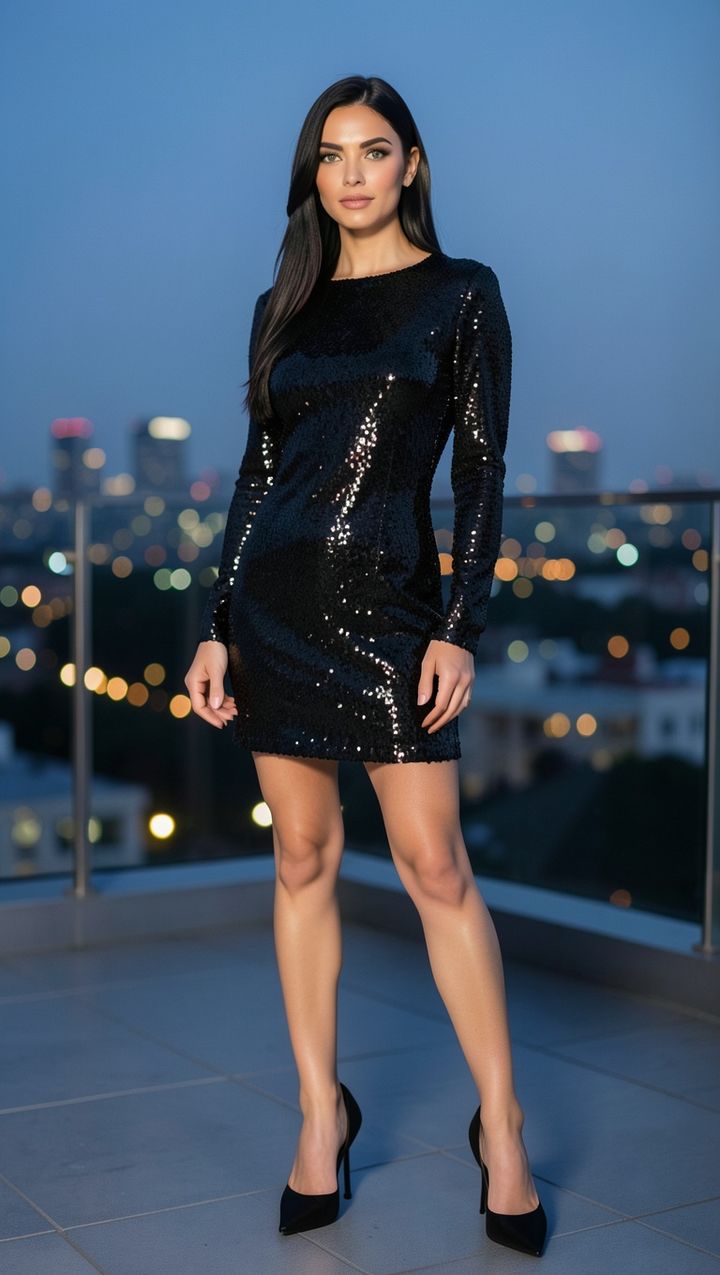
Pick a look, add a selfie, and Flashette changes the light, the camera feel and the setting while your face stays yours. Save it, post it, or make it move.
No account and no setup. Start with any selfie you already have.


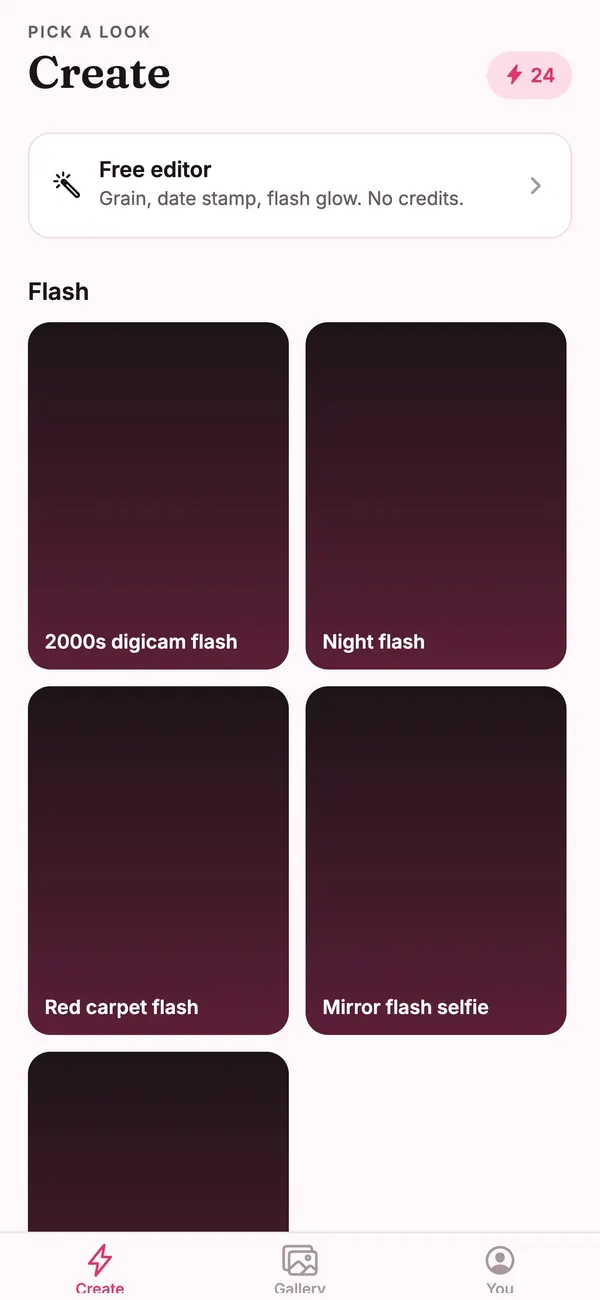
Flash, film, golden hour, booth and places. Tap the one you want to try.

Use the front camera, the back camera, or any photo already on your phone.

Your look comes back in seconds. Save it to your camera roll or share it right away.
Digicam flash, sunset backlight, crimson glow, night flash. The gallery keeps growing.
2000s digicam flashSunset backlightCrimson flashRed carpet flashBlack and white film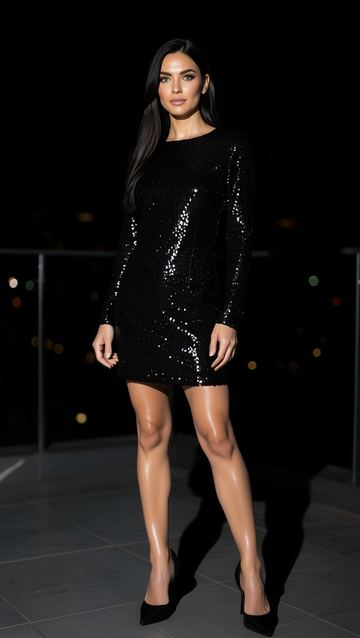 Night flash
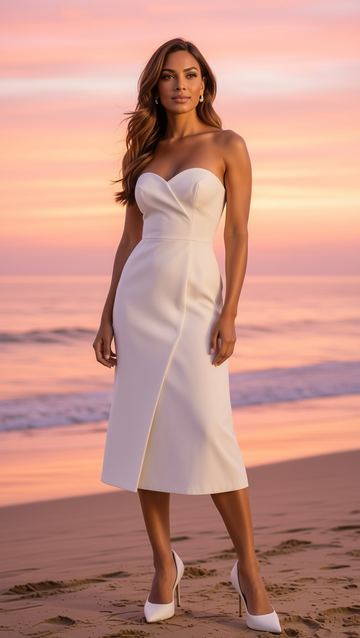 Beach sunset
 Photobooth strip
 Studio glam
 Paris cafe
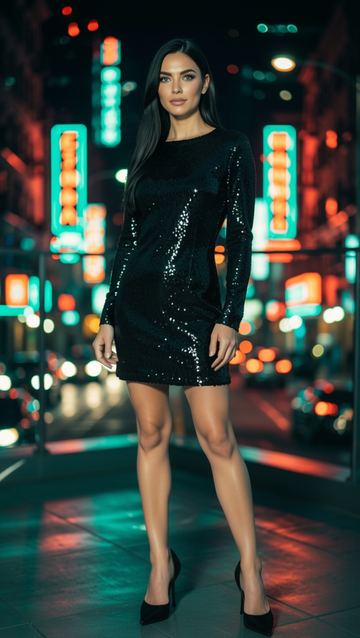 City night
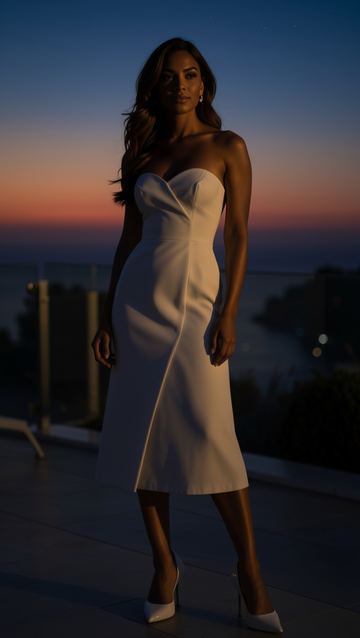 Dark sunset
 Y2K glow
 Golden film
 Snow flash
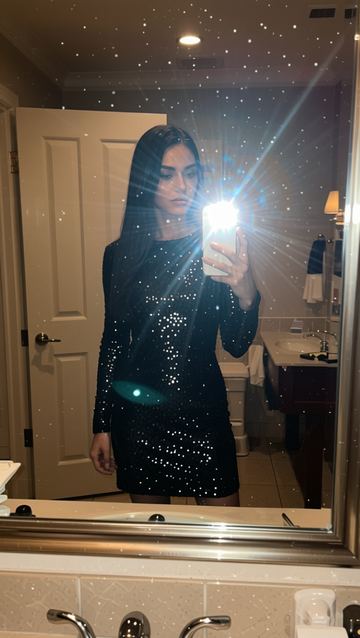 Mirror flash selfie
 Disposable camera
 90s film
 Old money
 Instant photo
Every look comes with a few extra moves, so one selfie turns into a photo, a blend and a video.
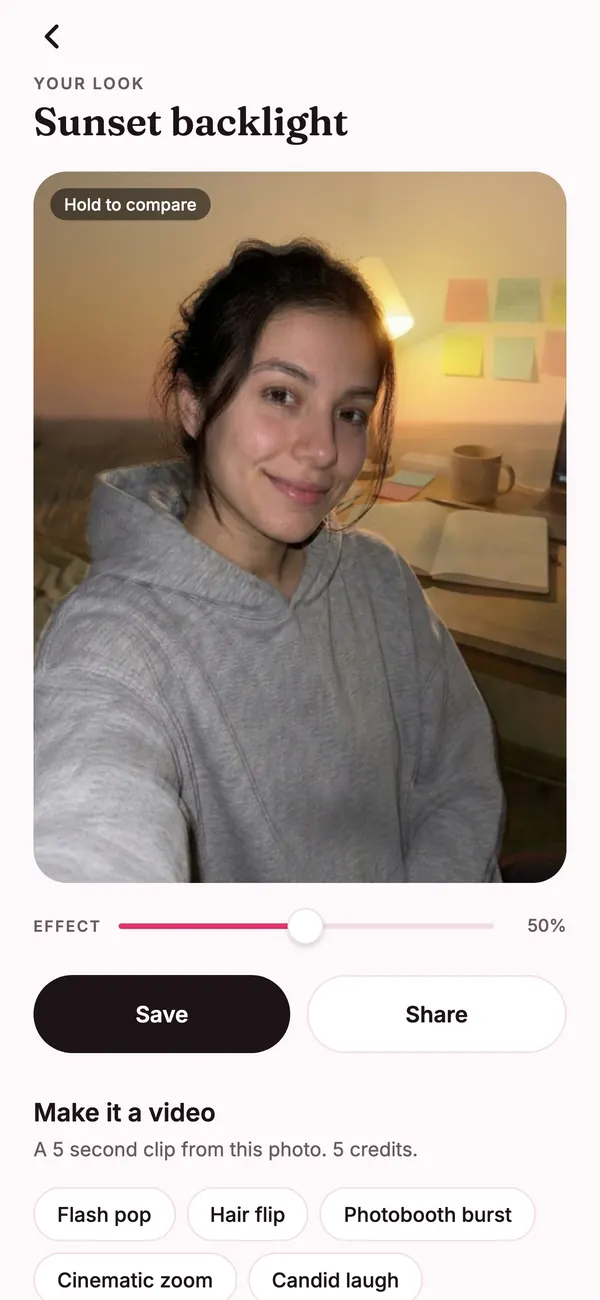
Turn any finished look into a 5 second clip. Pick a motion and Flashette animates your photo, ready to save and share.
Slide between your original selfie and the full look. Keep it subtle or go all the way, then save the blend you like.
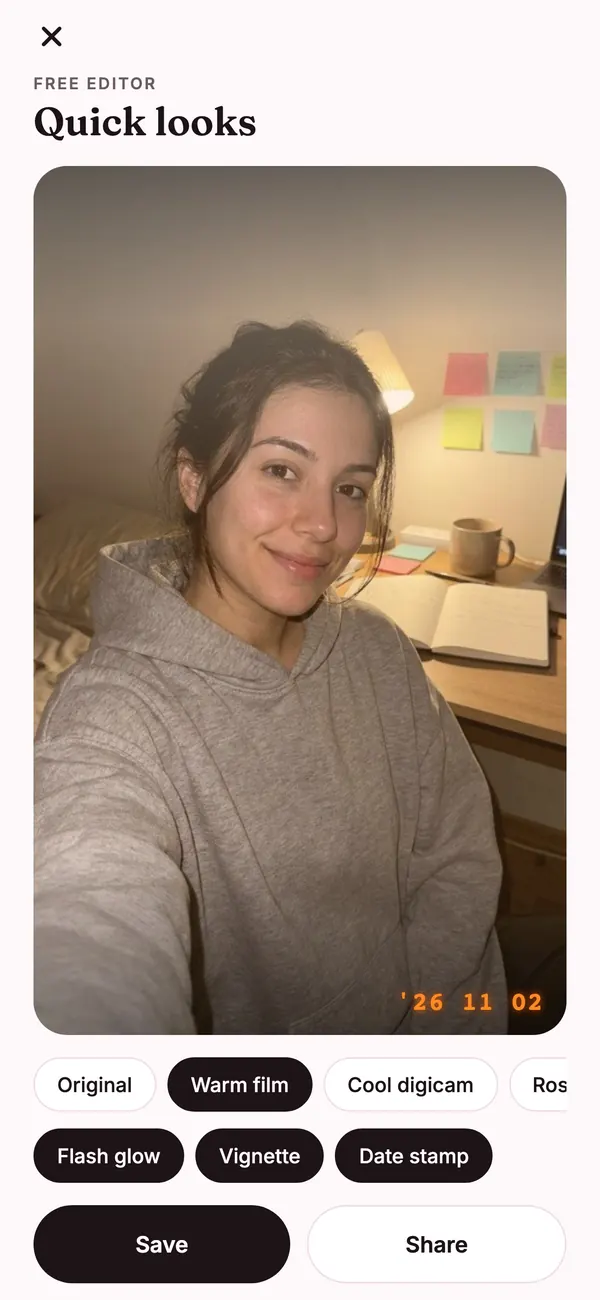
Film tints, flash glow, vignette and a date stamp, applied right on your phone. Use it as often as you like.
Your selfie goes to our AI partner only to make your edit, and Flashette never keeps it. Only the finished edit is saved to your gallery, and the free editor works entirely on your phone.
Guides to retro flash, film and golden hour looks, AI selfie edits and turning photos into short videos.
Yes. Every look keeps your face, features and expression. Flashette changes the light, the camera feel and the setting, and an effect slider lets you choose how strong the edit is.
No. Open the app and start. If you want to keep your edits and credits on a new phone, you can back up with Sign in with Apple.
The editor with film tints, flash glow, vignette and date stamp is free. AI looks and videos use credits, which come with Flashette Pro or in credit packs.
Flashette Pro is $7.99 a week or $19.99 a month in the US and adds credits every week. Prefer no subscription? Buy a credit pack once. Prices in your currency are shown in the app before you pay.
It is sent to our AI partner to create your edit and is never stored by Flashette. Only the finished edit is kept so you can see it in your gallery. Read the privacy policy for details.
Yes. Turn any finished look into a 5 second clip: flash pop, hair flip, photobooth burst and more.
Download FlashetteFree to download on iPhone. One selfie, every look.